👨💻 Development workflow
⚙️ Components
Swagger API UI
NuGet.Config
Directory.Build.props
Directory.Packages.props
🛜 Port mappings
Project | Url |
|---|---|
AppHost | https://localhost:17298 |
Web | https://localhost:8083, http://localhost:8082 |
Api | https://localhost:8081/api, http://localhost:8080/api |
Gateway | https://localhost:8085/gw/health, http://localhost:8084/gw/health |
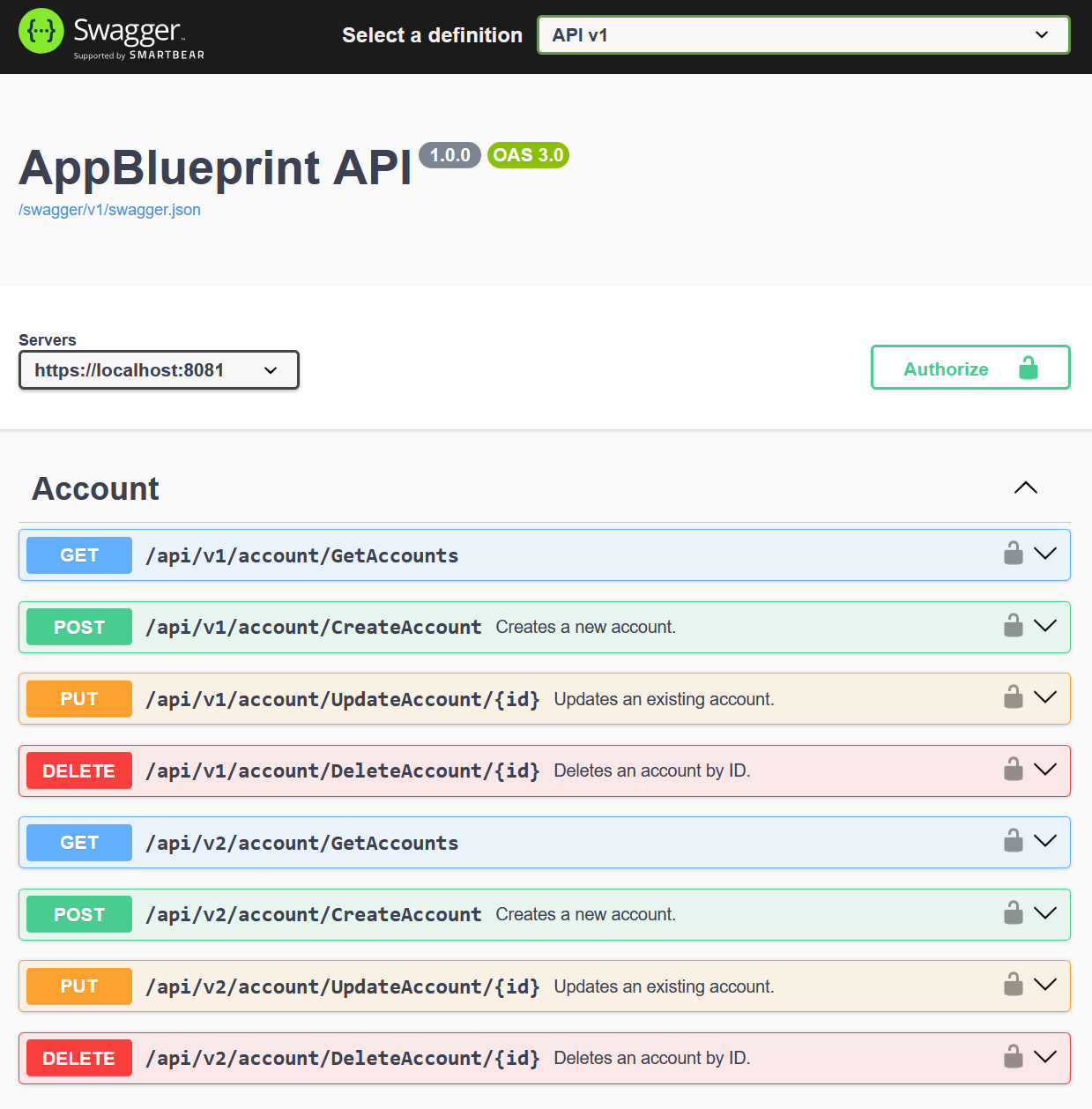
https://localhost:8081/index.html
Swagger json file:
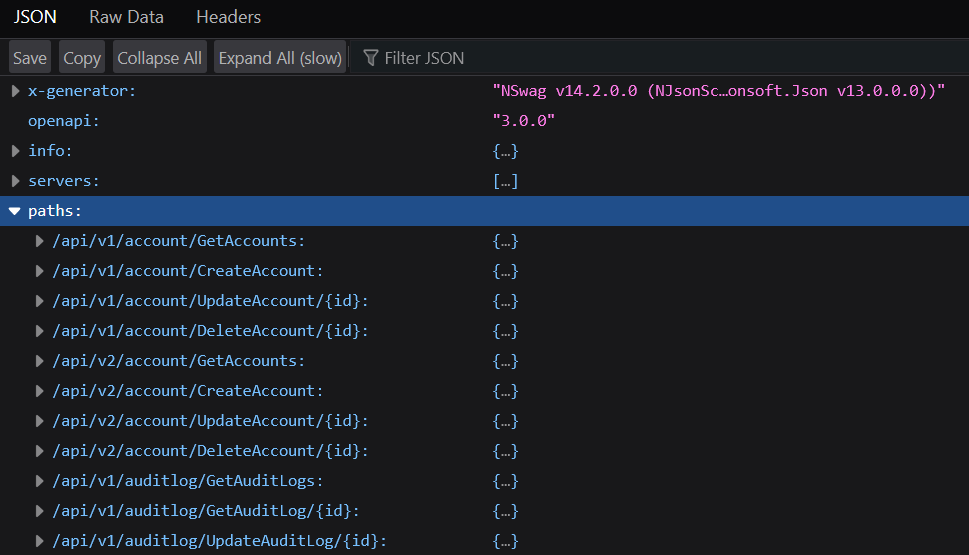
https://localhost:8081/swagger/v1/swagger.json
Port mappings are determined in order of this precendence from highest to lowest:
Command-line arguments (eg. dotnet run --urls "http://localhost:5000")
Code-level configuration (eg. builder.WebHost.ConfigureKestrel(...))
Launchsettings.json / Environment variables (eg. ASPNETCORE_URLS)
Appsettings.json files (eg. appsettings.json/appsettings..json)
🛠️ Prerequisites
Install Prerequisites on Windows
Open PowerShell as Administrator:
Then restart the computer.
Install required tools:
Run Github Action workflows locally
dokumenter hvordan jeg kører jobs og specifikt job med act kommand lokalt samt at agent type skal være ubuntu-latest i stedet for self hosted før det virker så jeg skal sende agent type ind med en parameter i stedet for at bruge self hosted
hvis en af workflows har en syntax fejl vil act kommando ikke virke så selvom det job/workflow man vil køre ikke har fejl så skal alle andre workflows også være korrekte
🛠️ Recommended optional tools
Applying migrations to database
The commands need to be executed in the AppBlueprint.Infrastructure module since the entity framework database contexts reside there.
Null reference validation in the code:
Reduce size of VHD file for WSL Docker Desktop ubuntu server:
Fluent human readable regex nuget package: https://github.com/bcwood/FluentRegex